





Skip to content

UX Design for Websites & Digital Products

Complex journeys.
Clear next steps.

We design clearer journeys for websites and digital products. From certification resources to operational platforms, we connect user needs, information architecture and prototypes so people can find answers and complete the tasks that matter.

Information architecture / Journey design / Prototyping

Somerset West, Cape Town    Working globally

A few of the brands we’ve worked with

Selected work  —  01

ISTQB

A large knowledge base.
Routes that make sense.

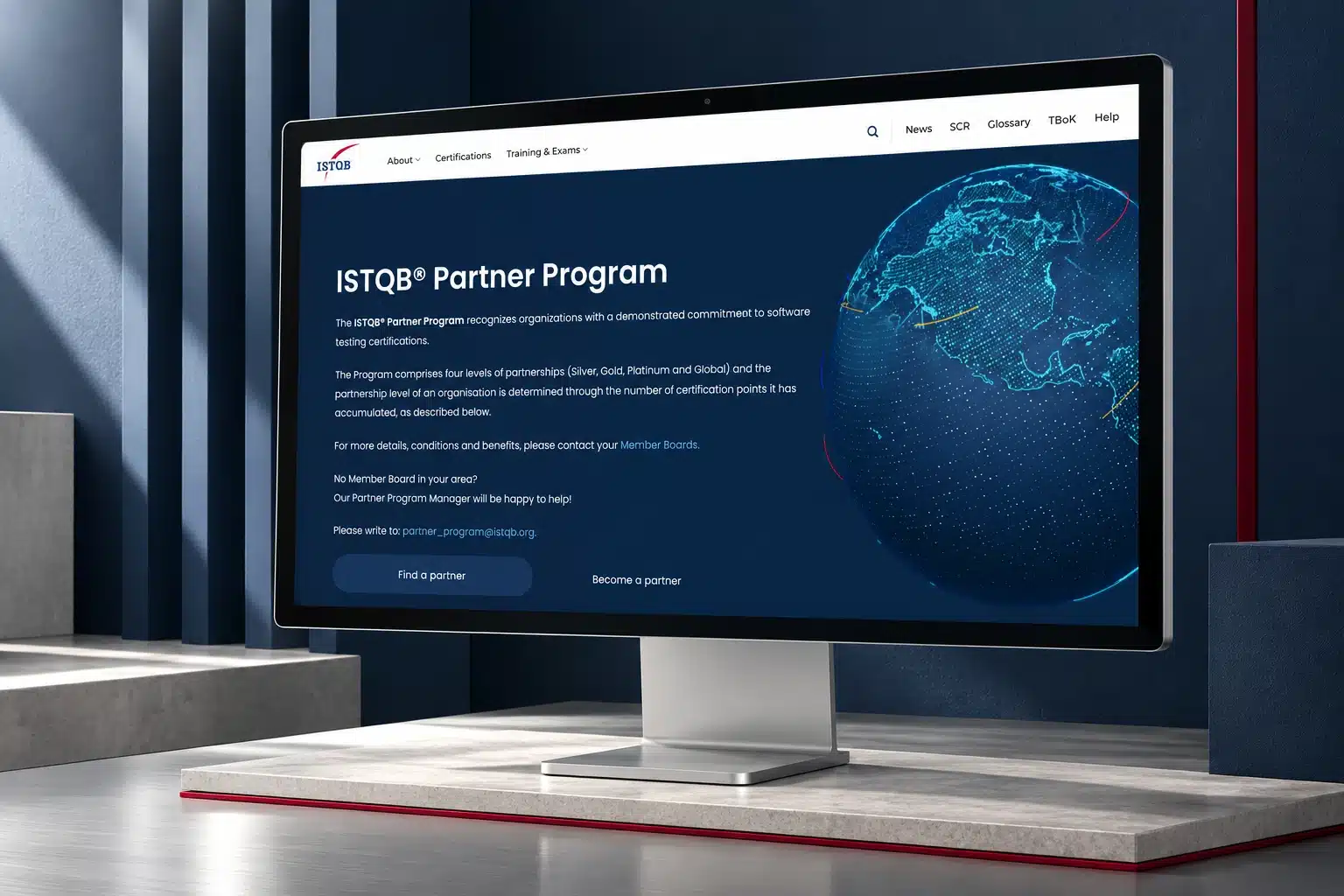
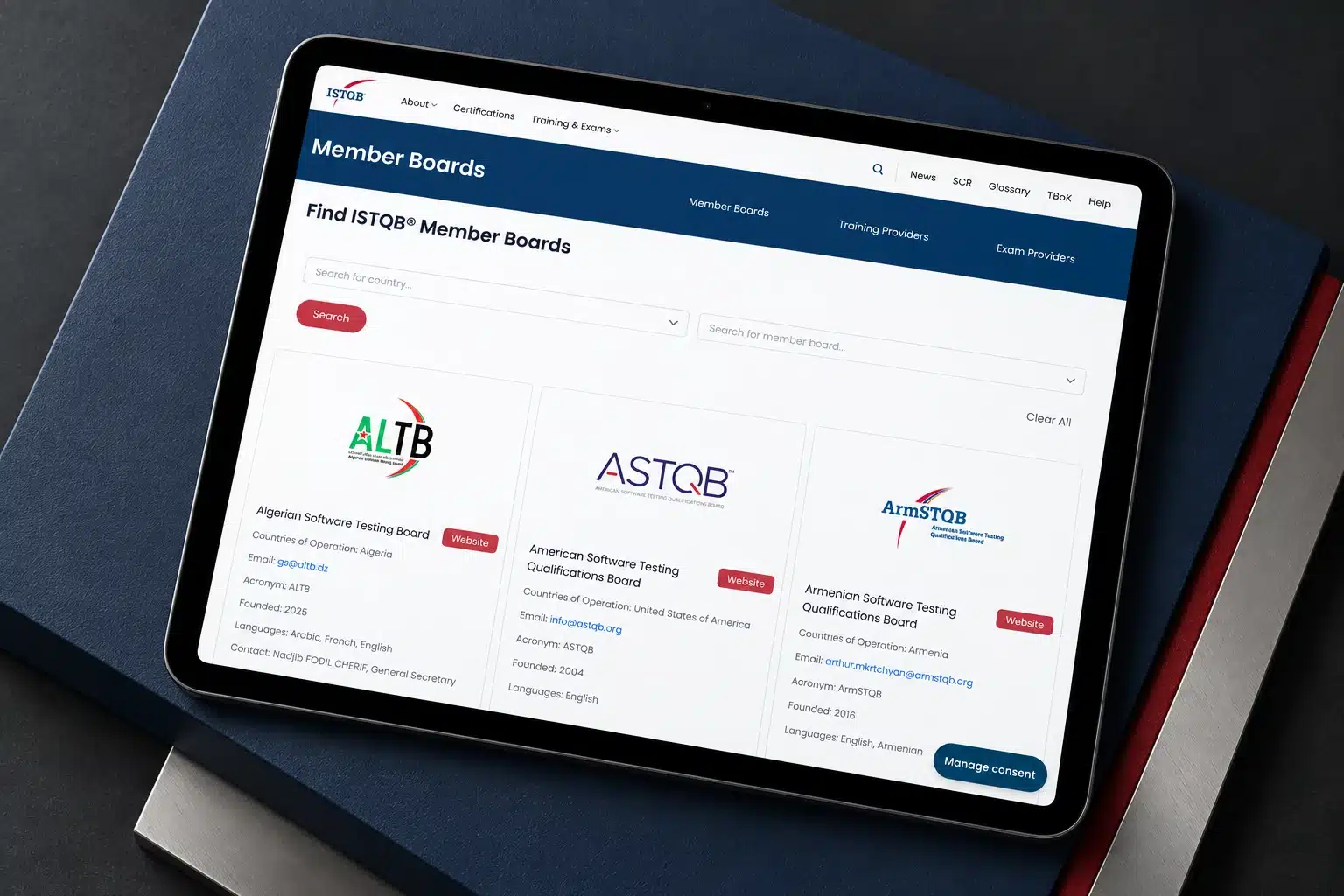
ISTQB serves first-time certification candidates and experienced professionals looking for specific resources. We organised certification information, documents and boards, and designed search, filters and document states around those different tasks.

Information architecture and task-focused interface design for a global qualification body.

Start with the task

What are people
trying to get done?

A visitor looking for a syllabus has different needs from a station partner confirming campaign delivery. Useful UX begins with those differences, including the information and decisions each task involves.

We bring available research, feedback and analytics into the brief, identify friction and make possible improvements tangible through structures and prototypes. The research and evaluation methods are agreed around the project.

What we can clarify

The right information.
In a useful sequence.

Focus on a difficult journey, a complex content structure or a new product experience. The work can inform a redesign or support improvements to an existing platform.

01

Understand users and context

We review available research, support feedback and analytics with your team, then identify what still needs to be learned. Any additional research is defined around the decisions the project needs to make.

Evidence review / Audience and task priorities / Research requirements

02

Map journeys and information

We organise the steps, content and decisions around key tasks. Journey maps and information architecture help your team see where people can lose their way and which changes deserve attention first.

Task journeys / Navigation and content structure / Prioritised friction points

03

Make the experience tangible

We develop wireframes and interactive prototypes for important flows. These make page structure, navigation and interface behaviour easier to discuss before your team commits to the full implementation.

Wireframes / Interactive prototypes / Key interface states

04

Evaluate and guide implementation

We review proposed designs using the usability checks agreed for the brief, then turn the findings into practical guidance. Developers receive clear explanations of the intended journeys and the questions to revisit.

Agreed usability checks / Design recommendations / Implementation guidance

Selected work — 02

Motherland OMNi

One campaign.
Different working roles.

For OMNification, we designed journeys for campaign planners, station partners and operations teams. The platform connects a four-step booking flow with delivery evidence, exceptions and reporting, using workspaces suited to each role.

Product strategy, UX and application development for radio campaign operations.

Working together

A clear way
to work together.

We work with the people who understand your customers, content and operations. Together, we turn a broad problem into journeys that can be examined and improved.

01

Understand the context

Discuss the users, tasks and existing evidence. Establish what is known, what is assumed and which questions matter to the next decision.

02

Plan the project

Choose the journeys, research or evaluation activities and prototype scope. Agree access, participant responsibilities where needed and review points.

03

Build together

Map the structure, prototype important flows and review them with the agreed participants. Use findings and feedback to refine the direction.

04

Review what comes next

Document the design decisions and implementation guidance. Identify what should be checked again once the experience is built and in use.

The wider picture

Keep learning
after the design.

A prototype is a decision tool. The implemented experience needs further review as real content, systems and user behaviour become visible. We can connect UX work to development and ongoing improvements through an agreed scope.

A few practical questions

Before we
get started.

Let’s talk about user experience

Where do your users
lose their way?

Show us the journey and tell us what people need to accomplish. We’ll discuss where a clearer structure, flow or interface could make a difference.

A 30-minute conversation to explore your priorities and agree the next step. No finished brief needed.